Live illustrations & incident walkthroughs
Twenty-one scenarios in one library, from cardiac arrest to a silent call for help: every case the presentation covers, plus the ones it does not. Each is walked step by step beside the screen it happens on, with its own picture, what the call looks like without the platform and what each stage is designed to change.
Illustrative composites written from the project's own response experience, not records of specific calls. Which steps a real incident uses depends on the community's configuration and the agency's rules.

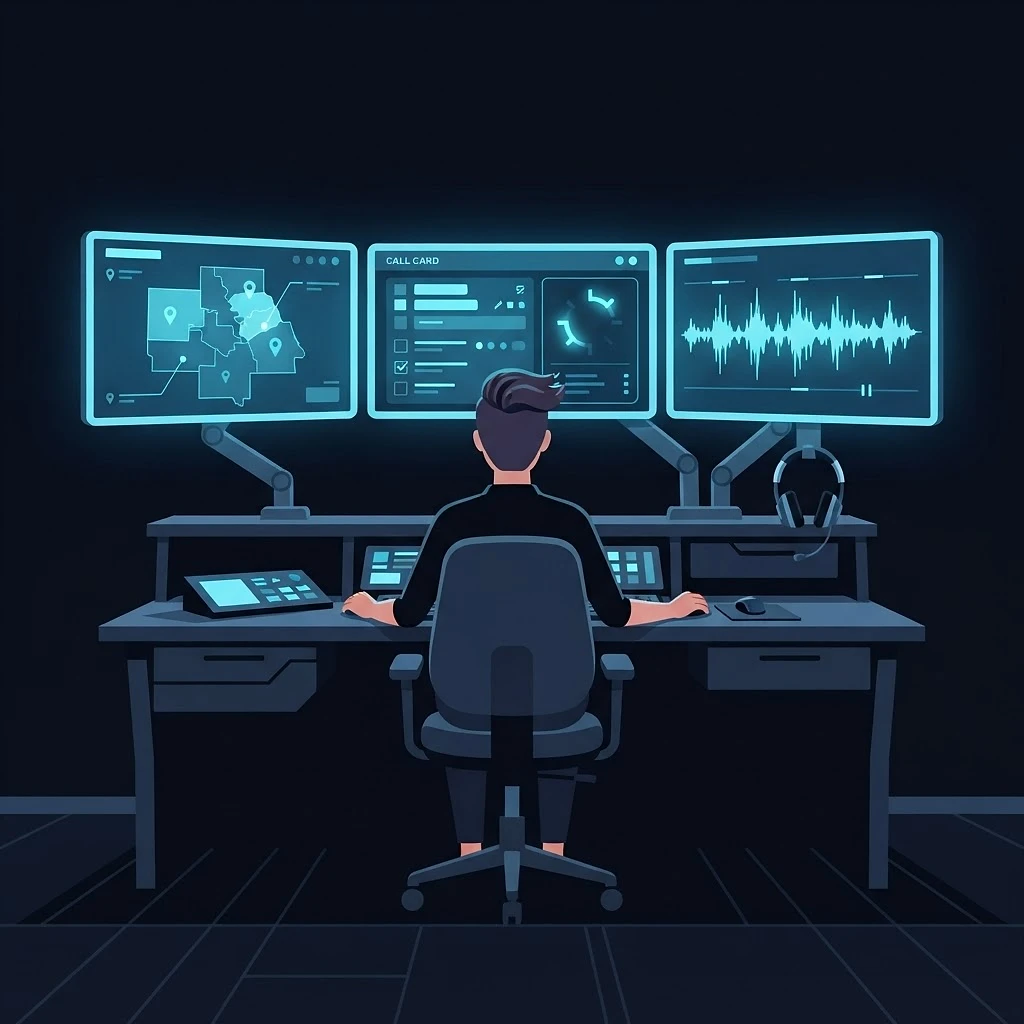

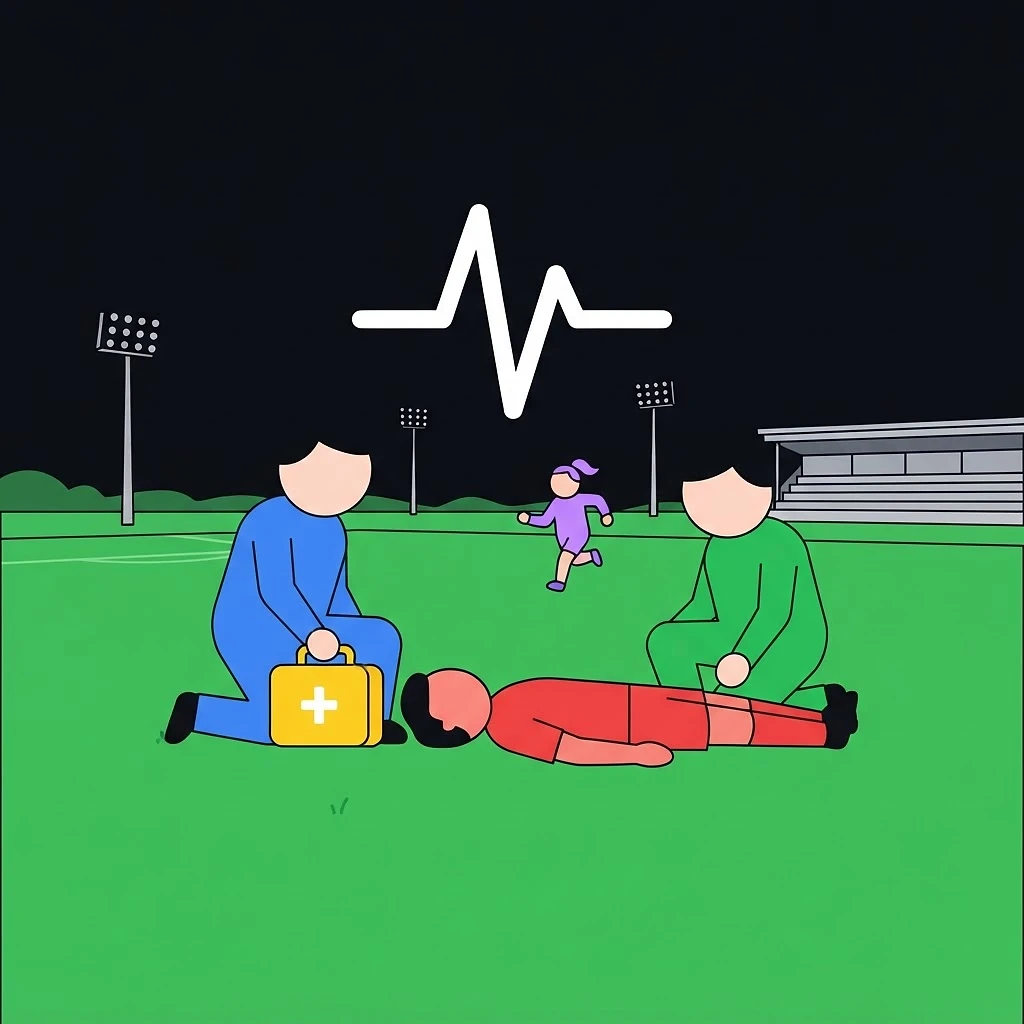

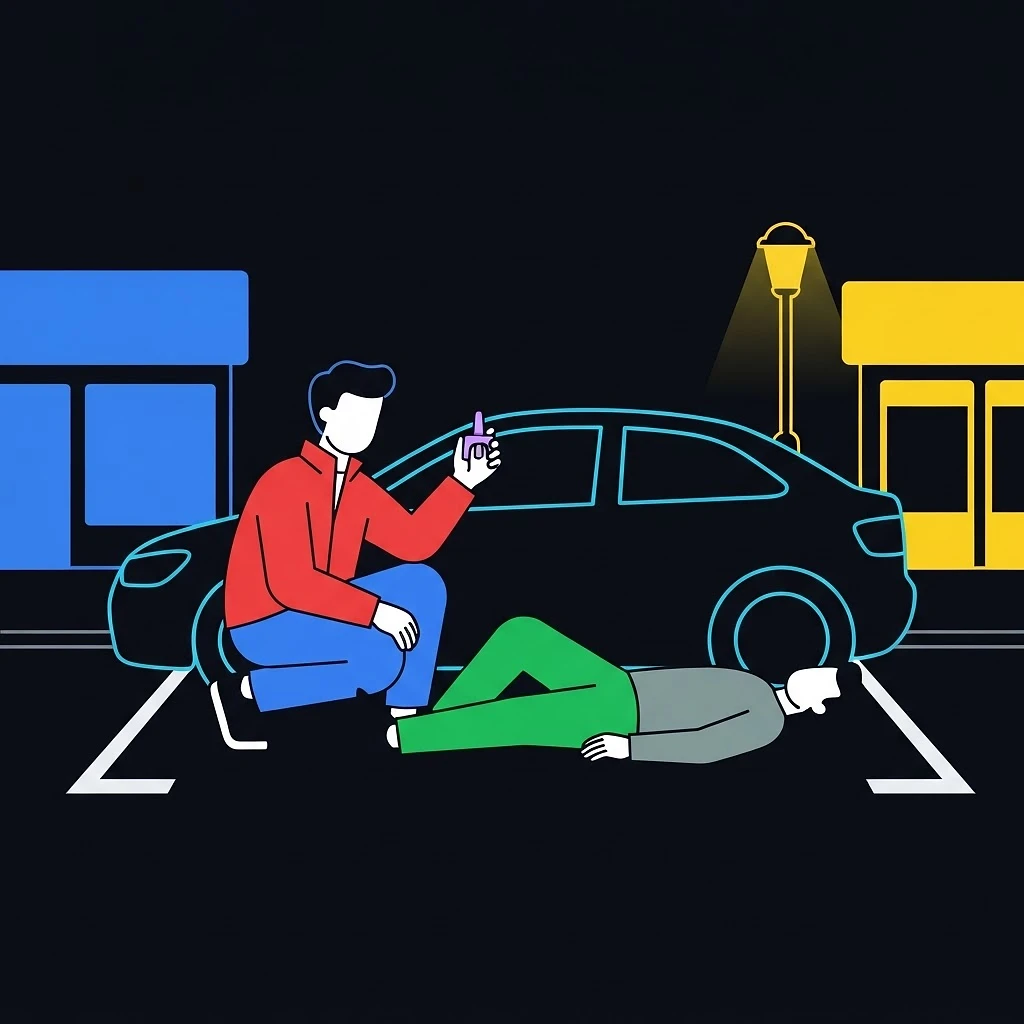

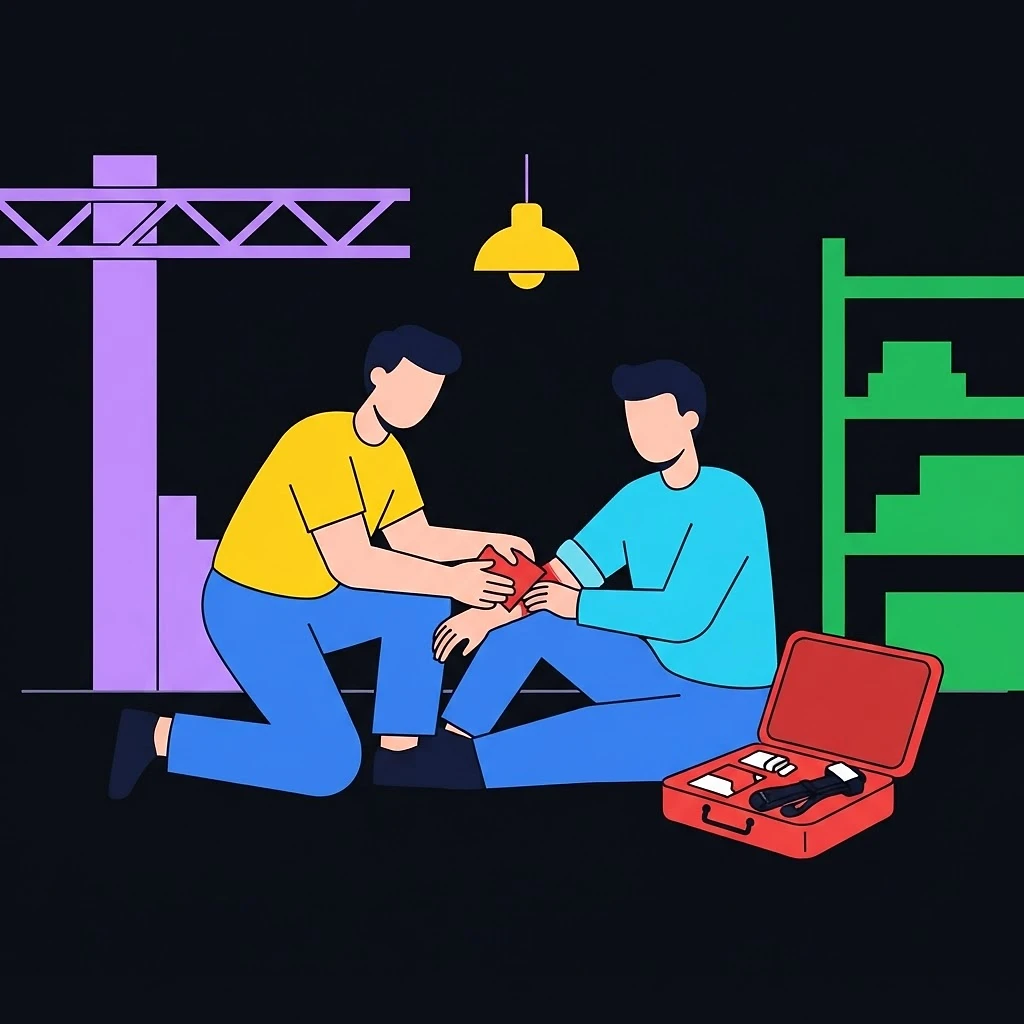

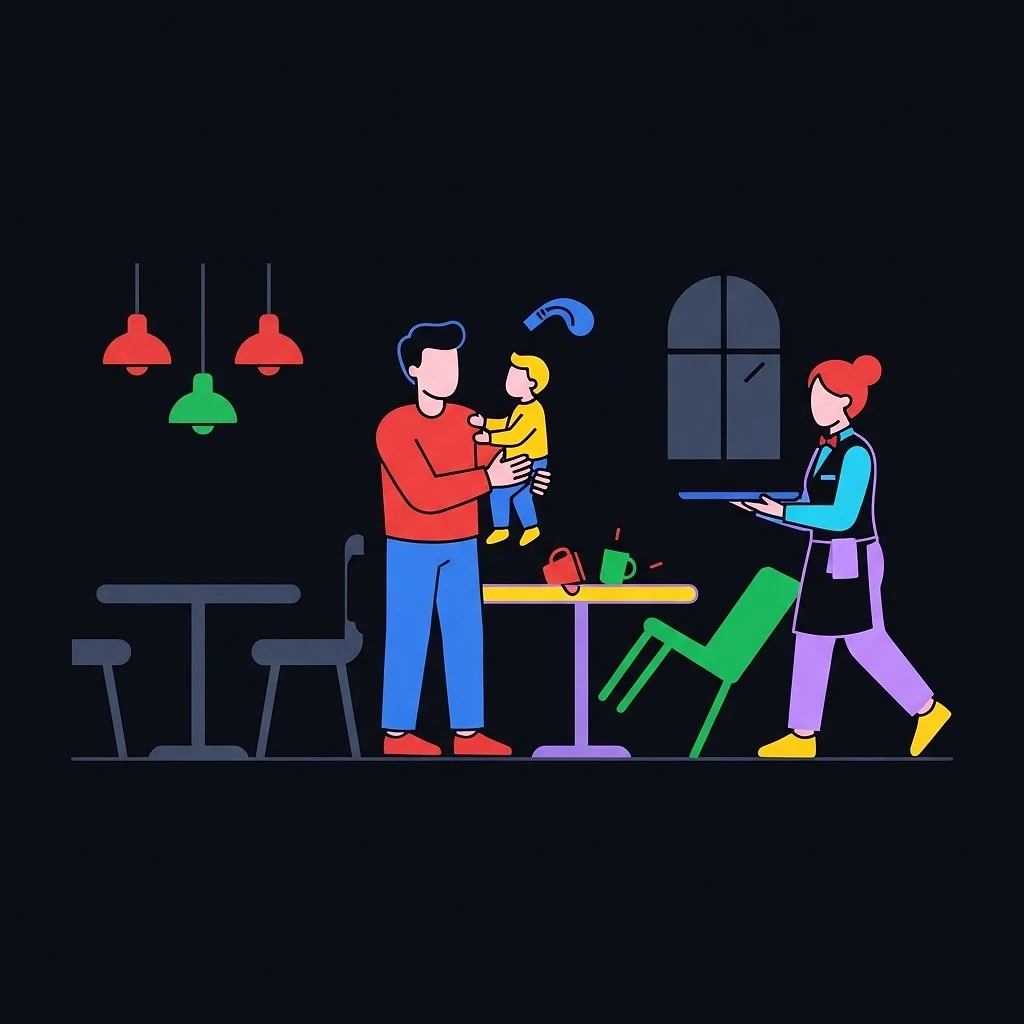

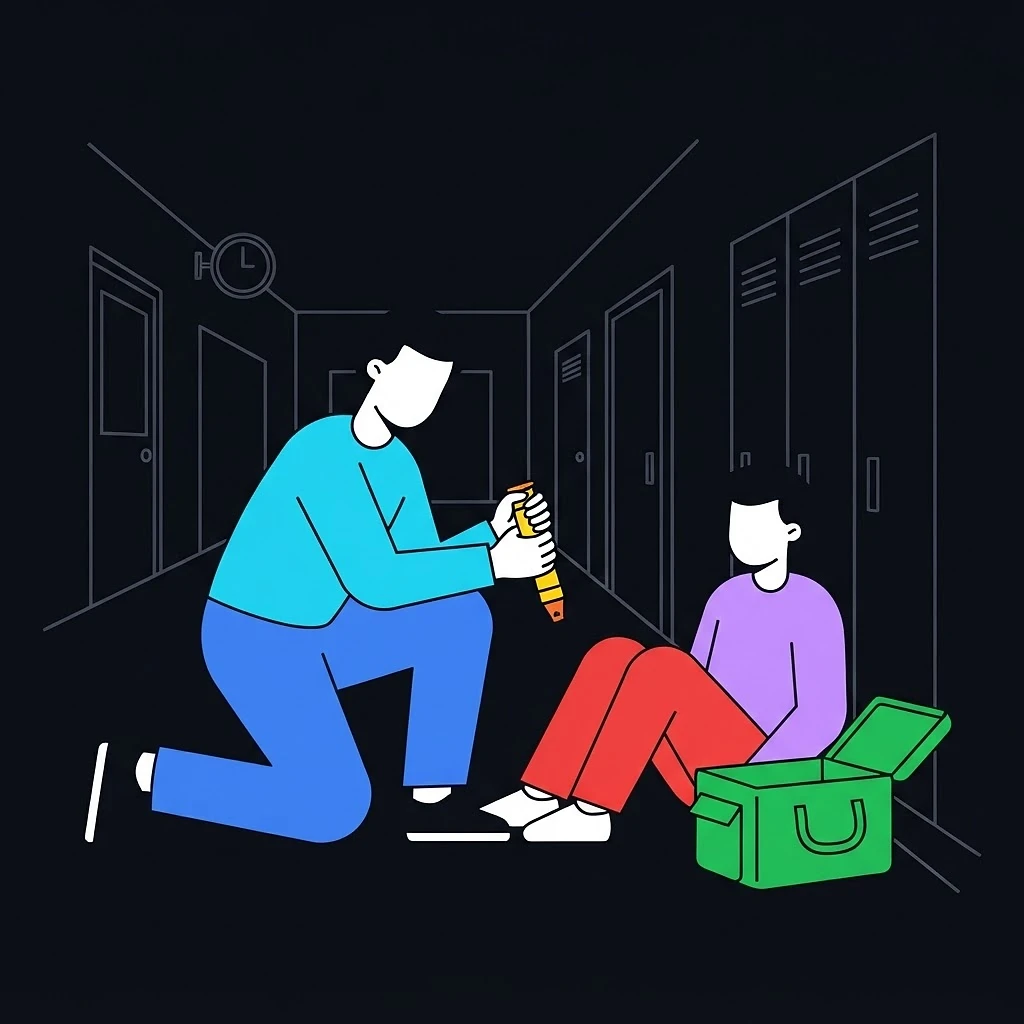

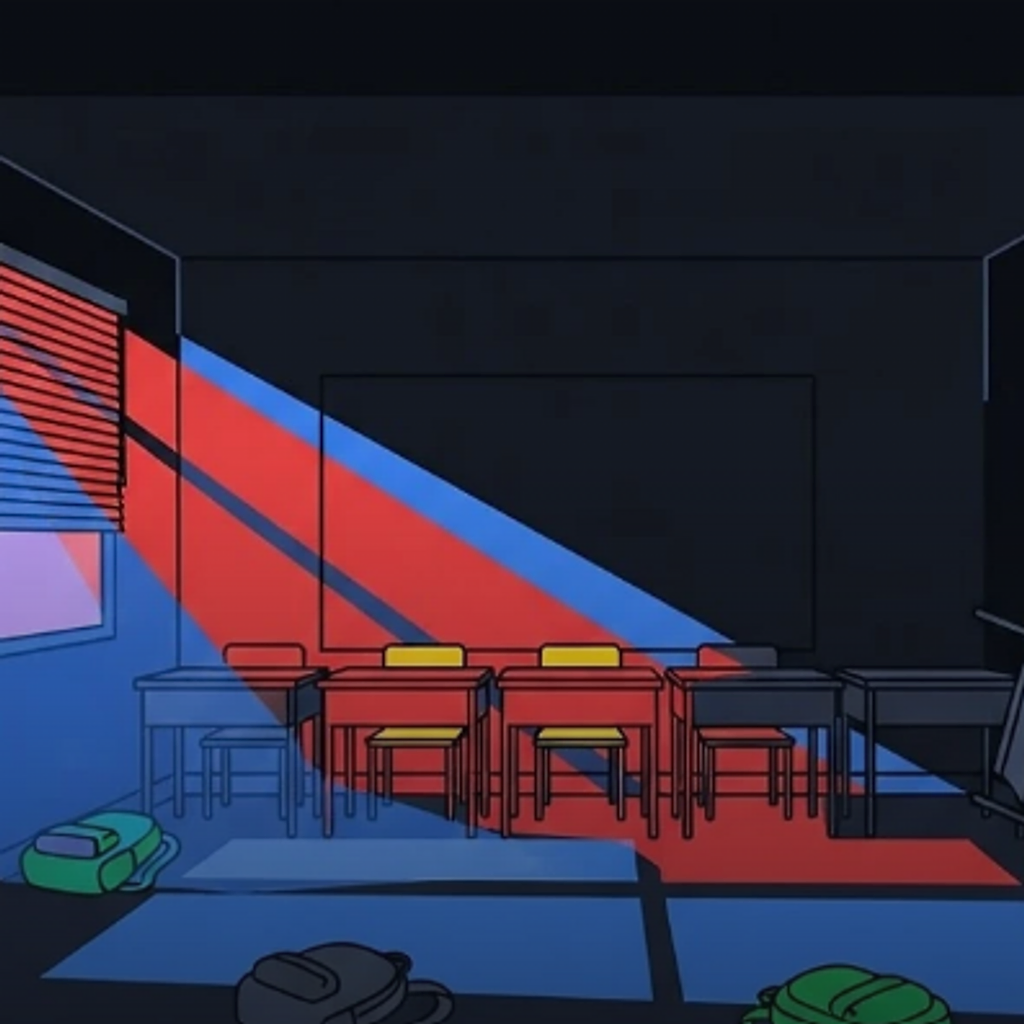

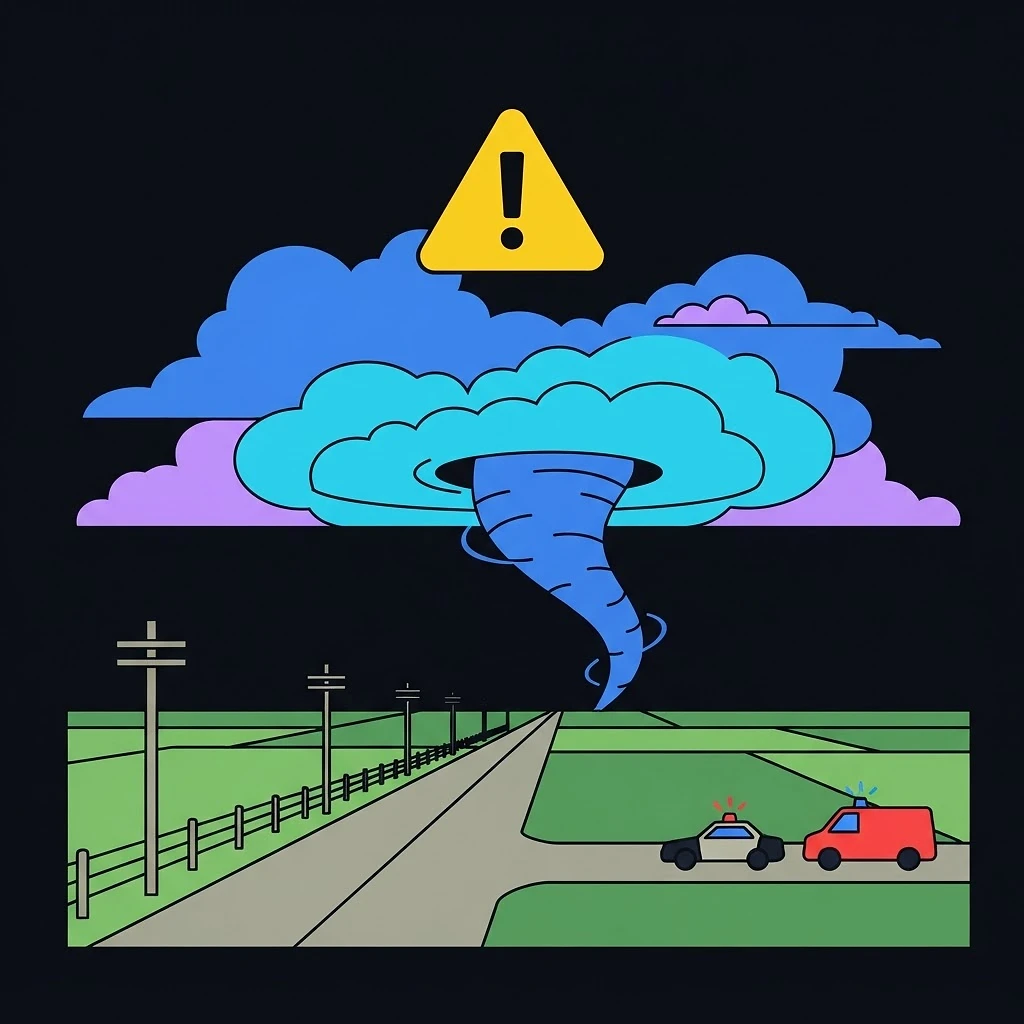



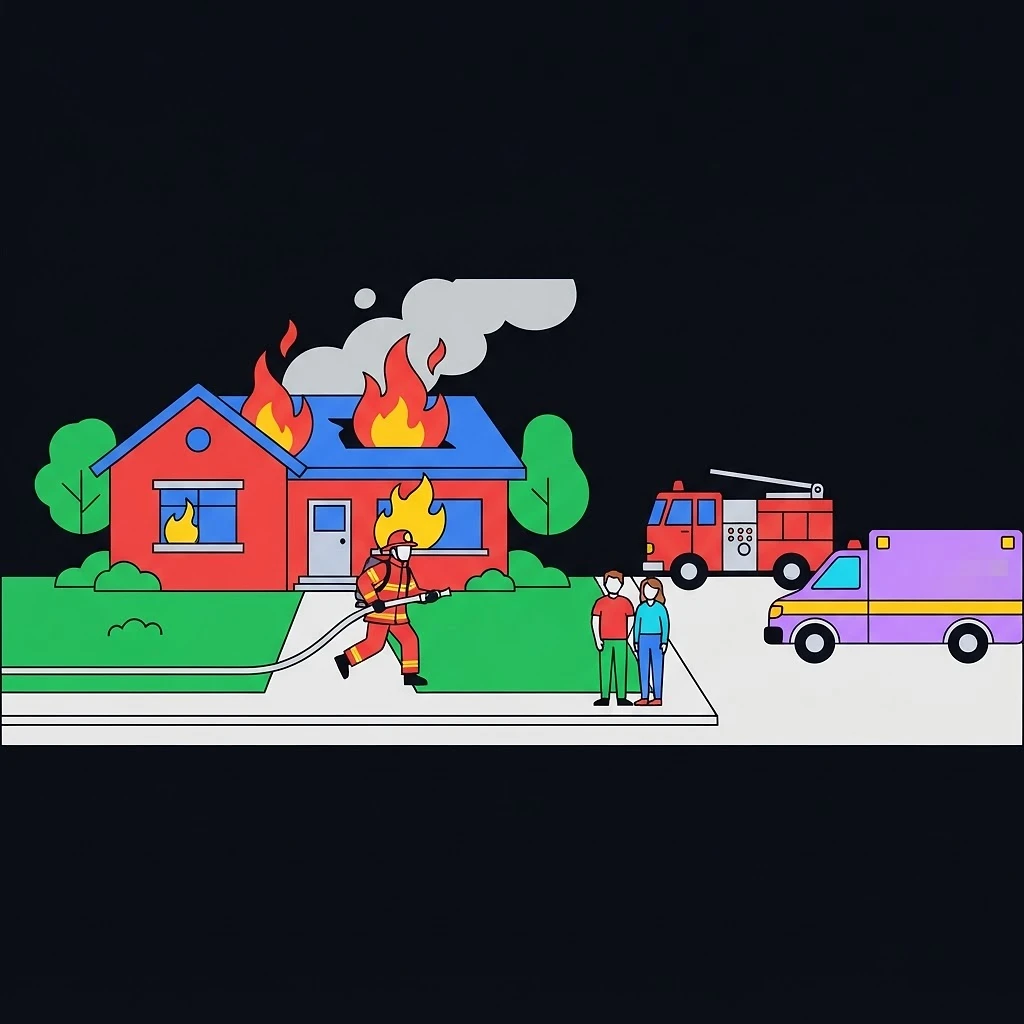

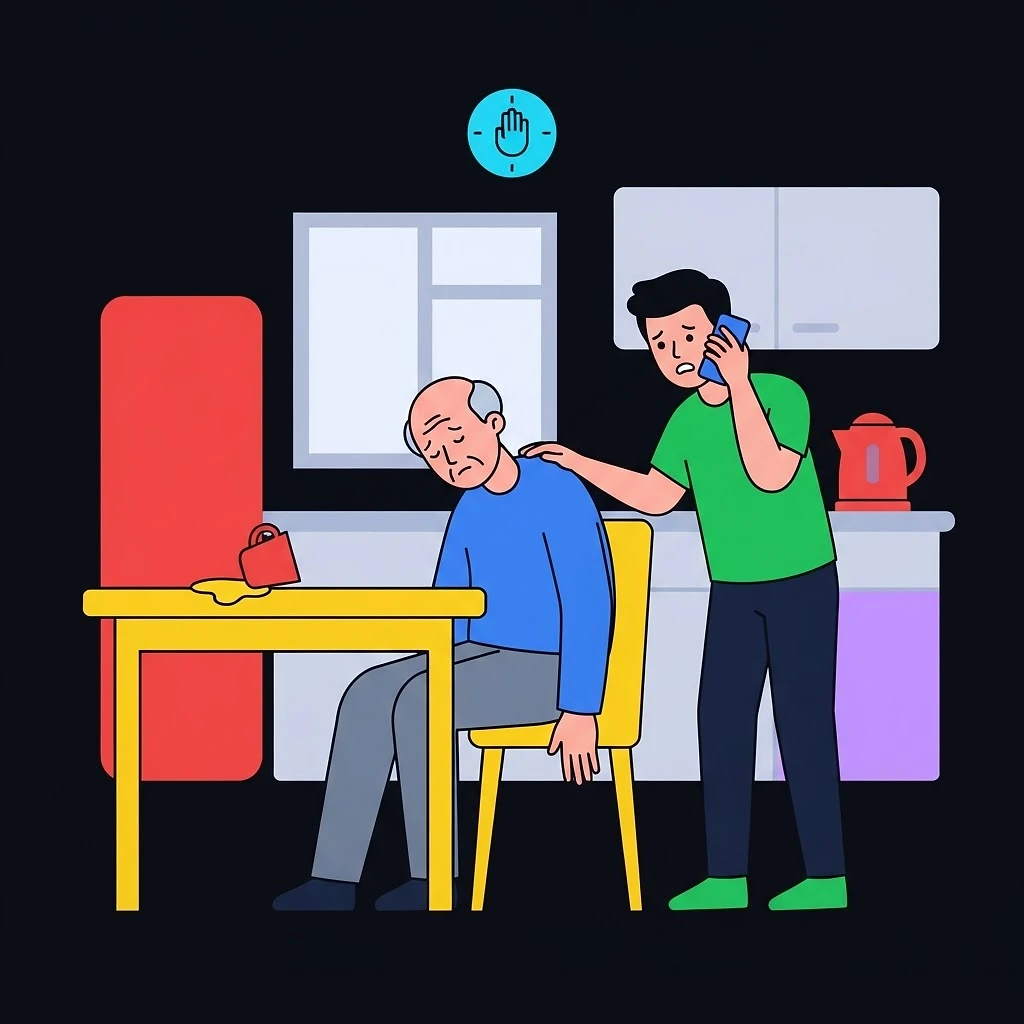

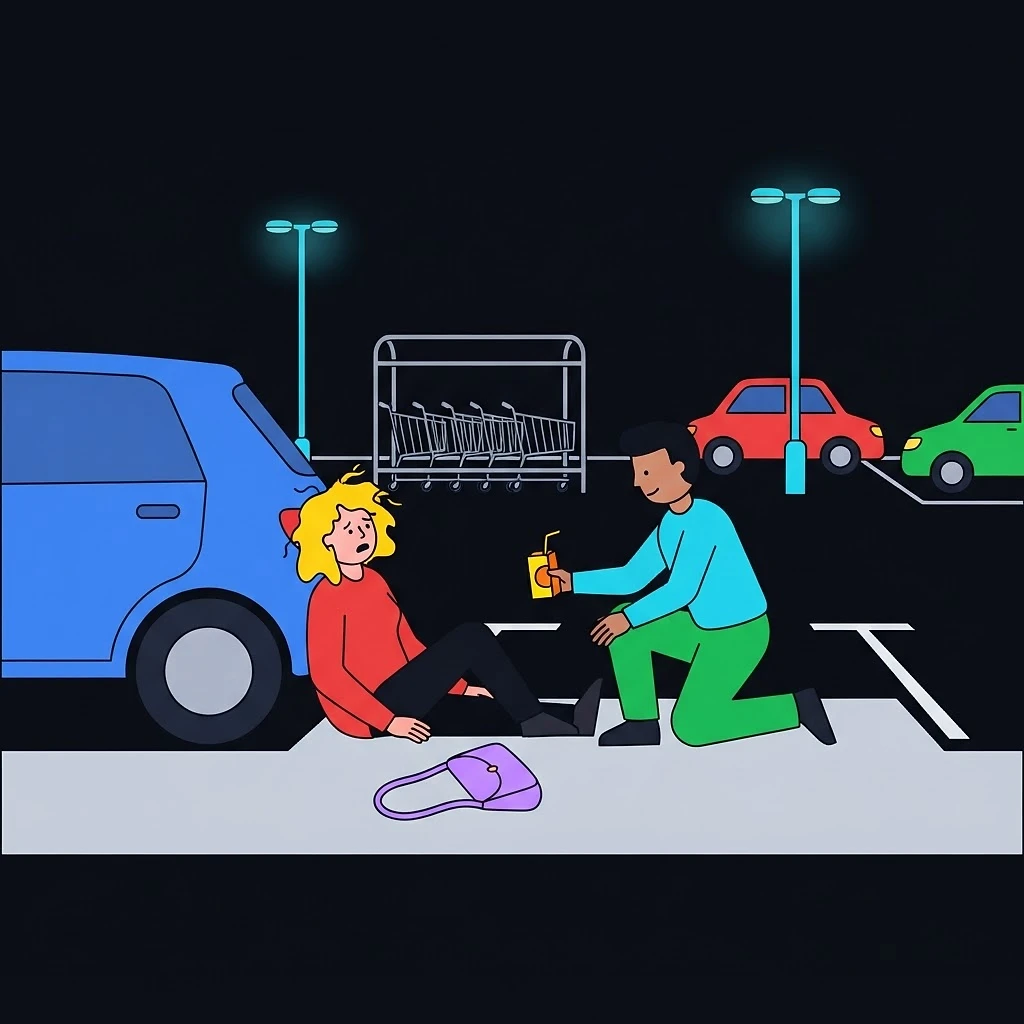

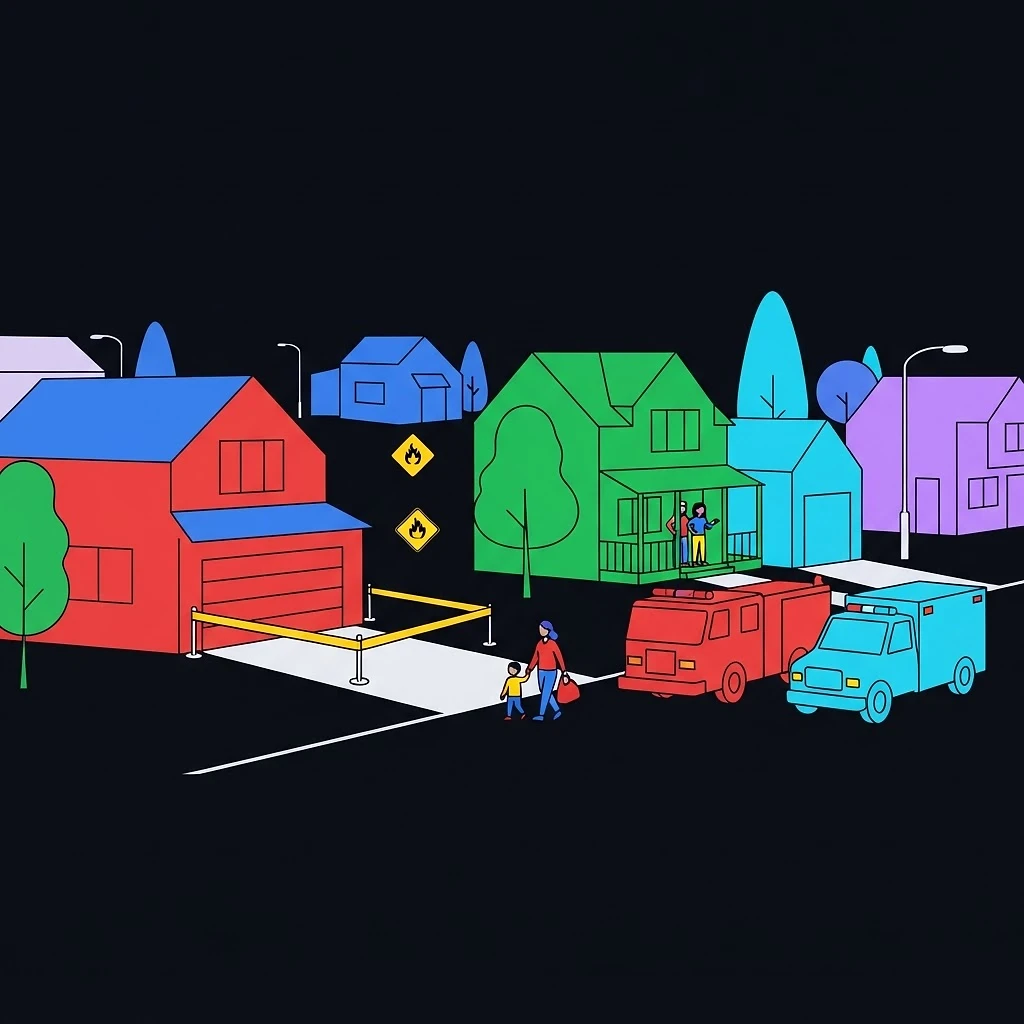

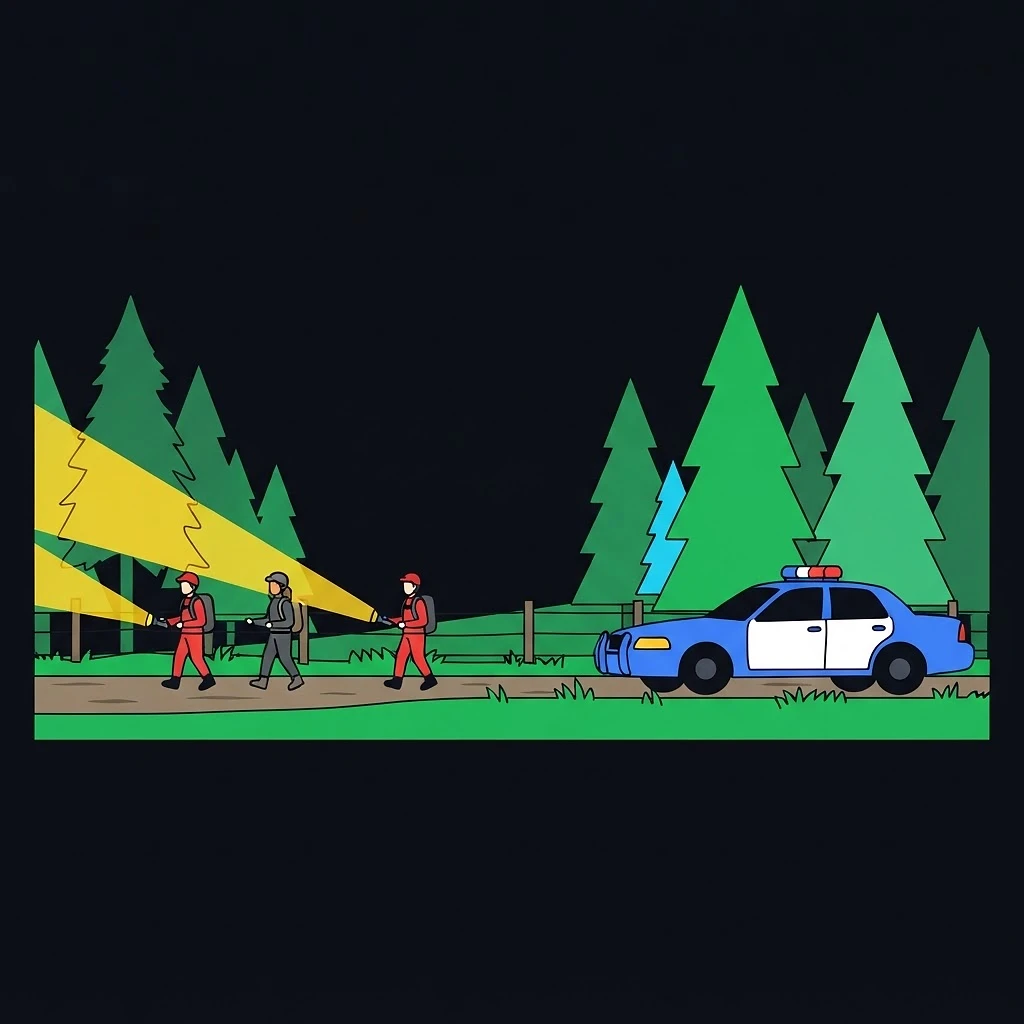

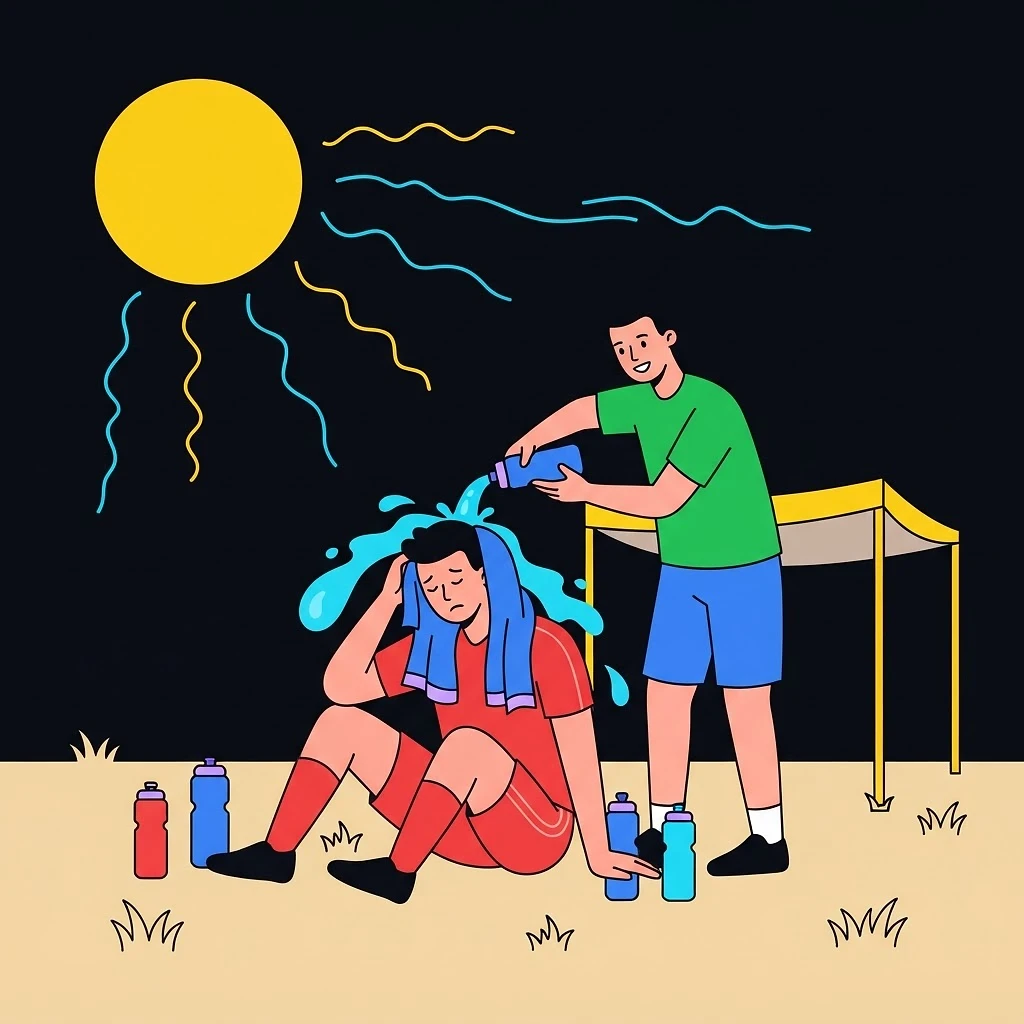

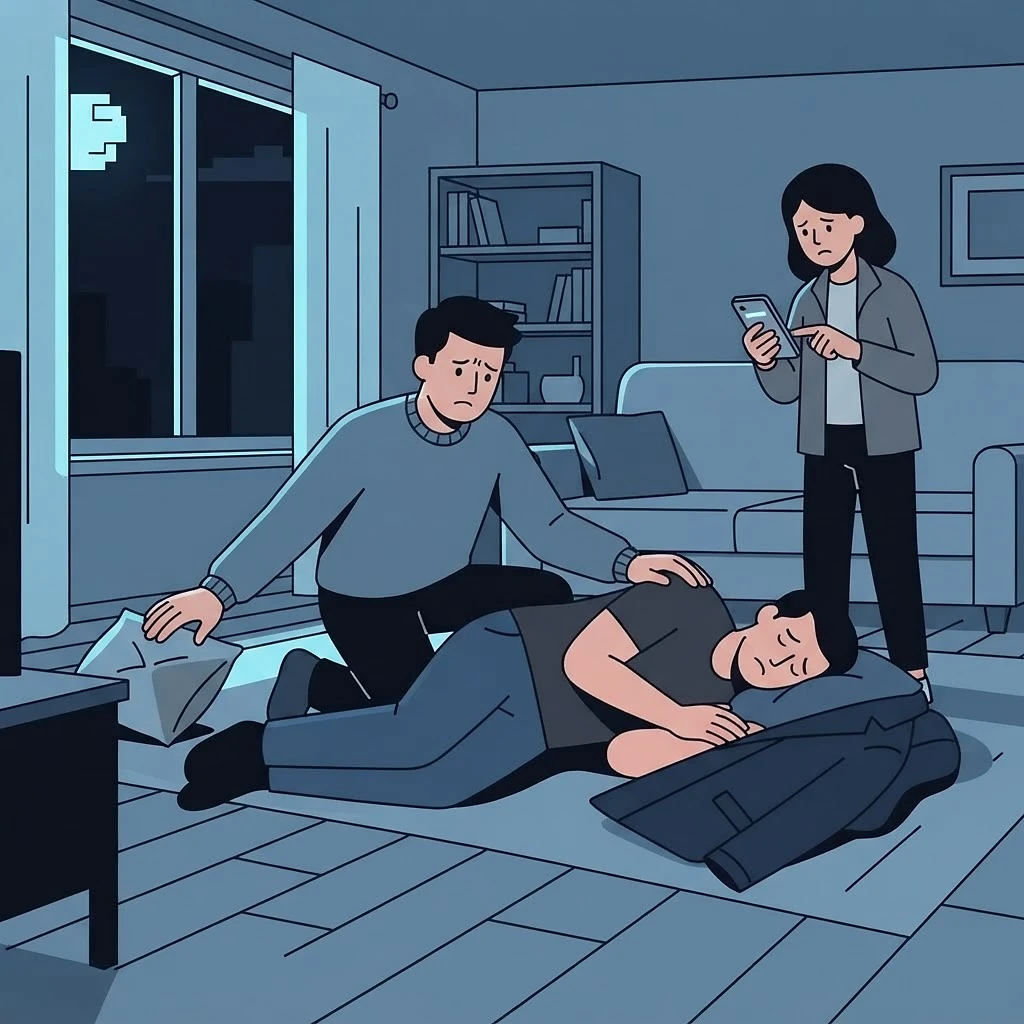



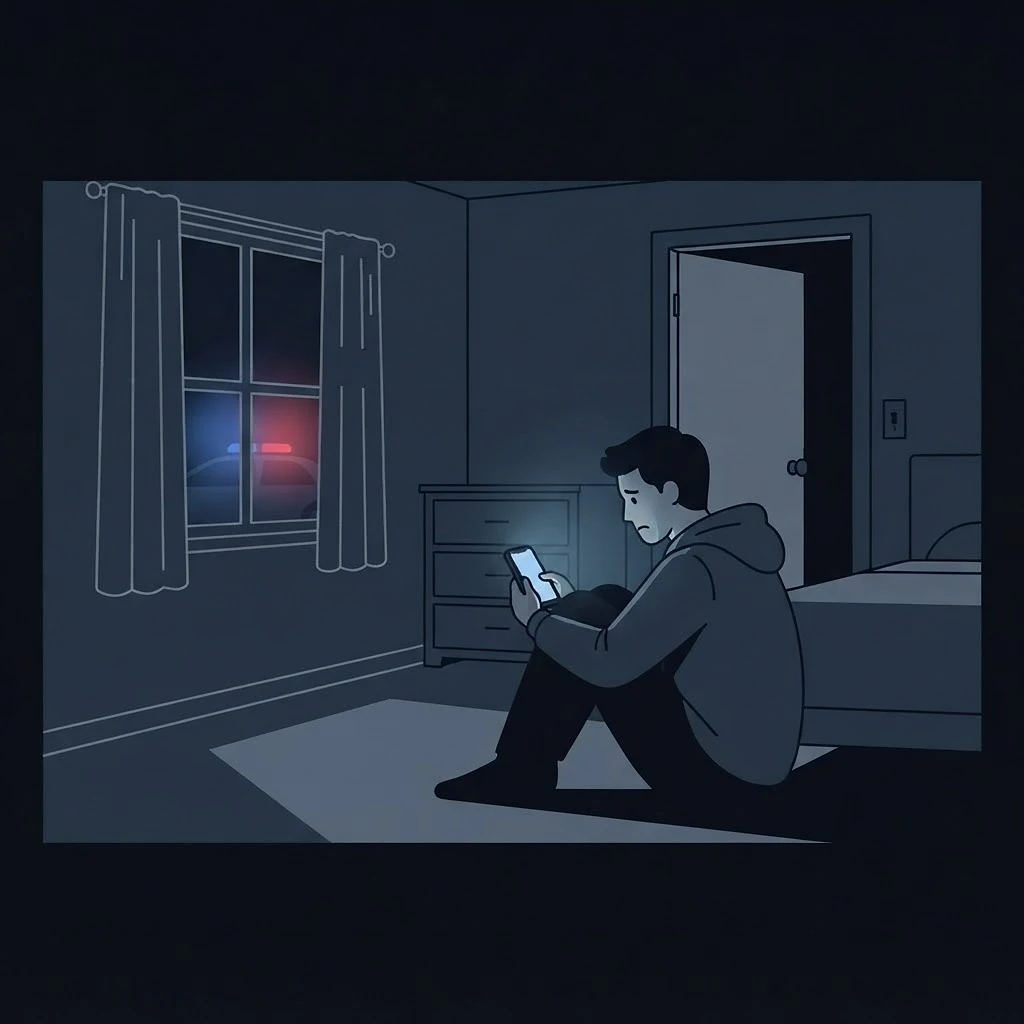

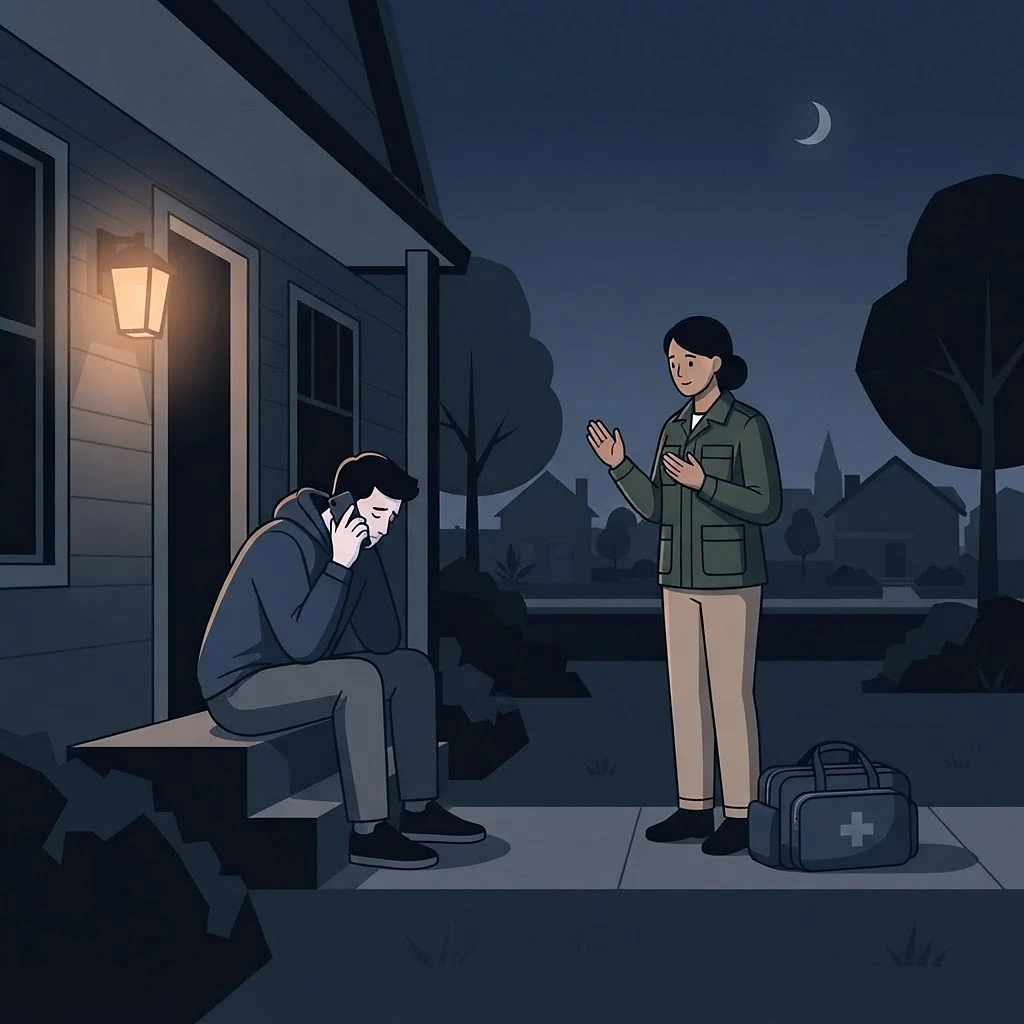

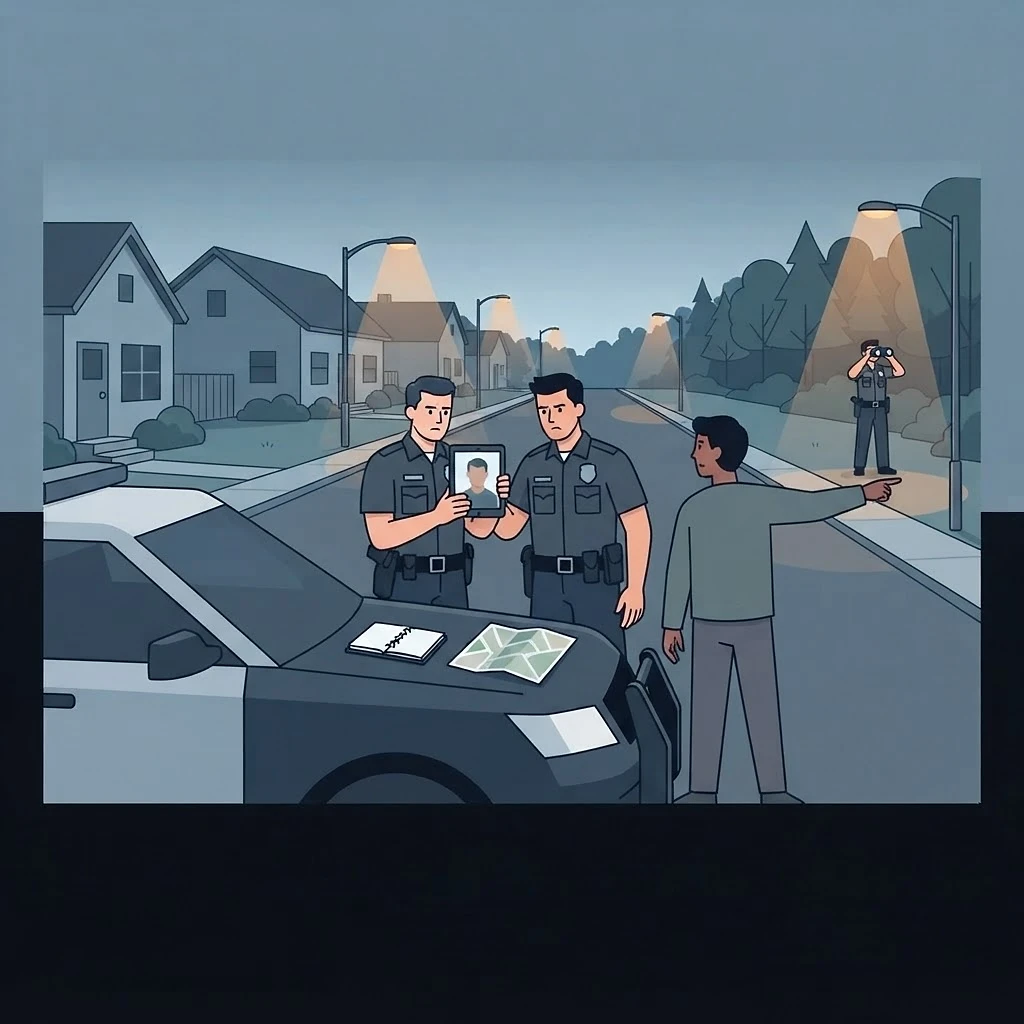

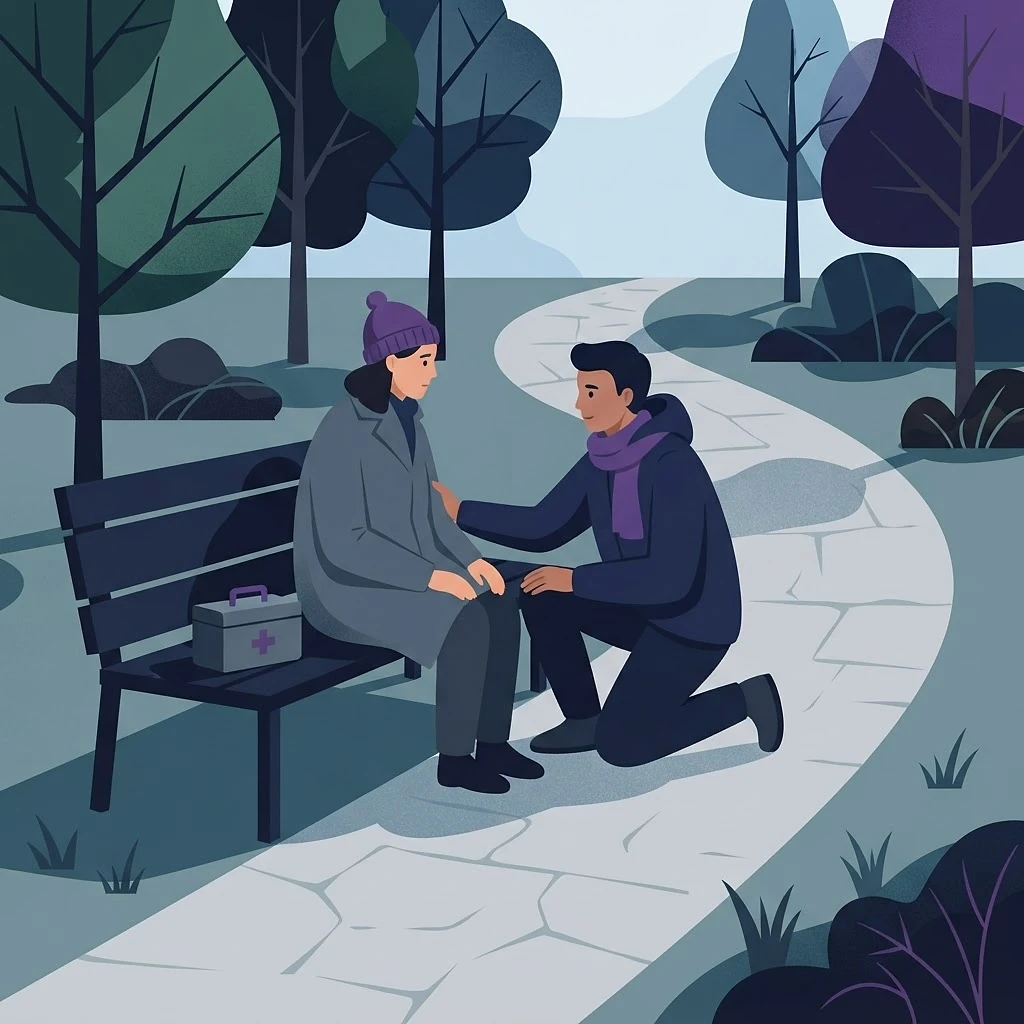

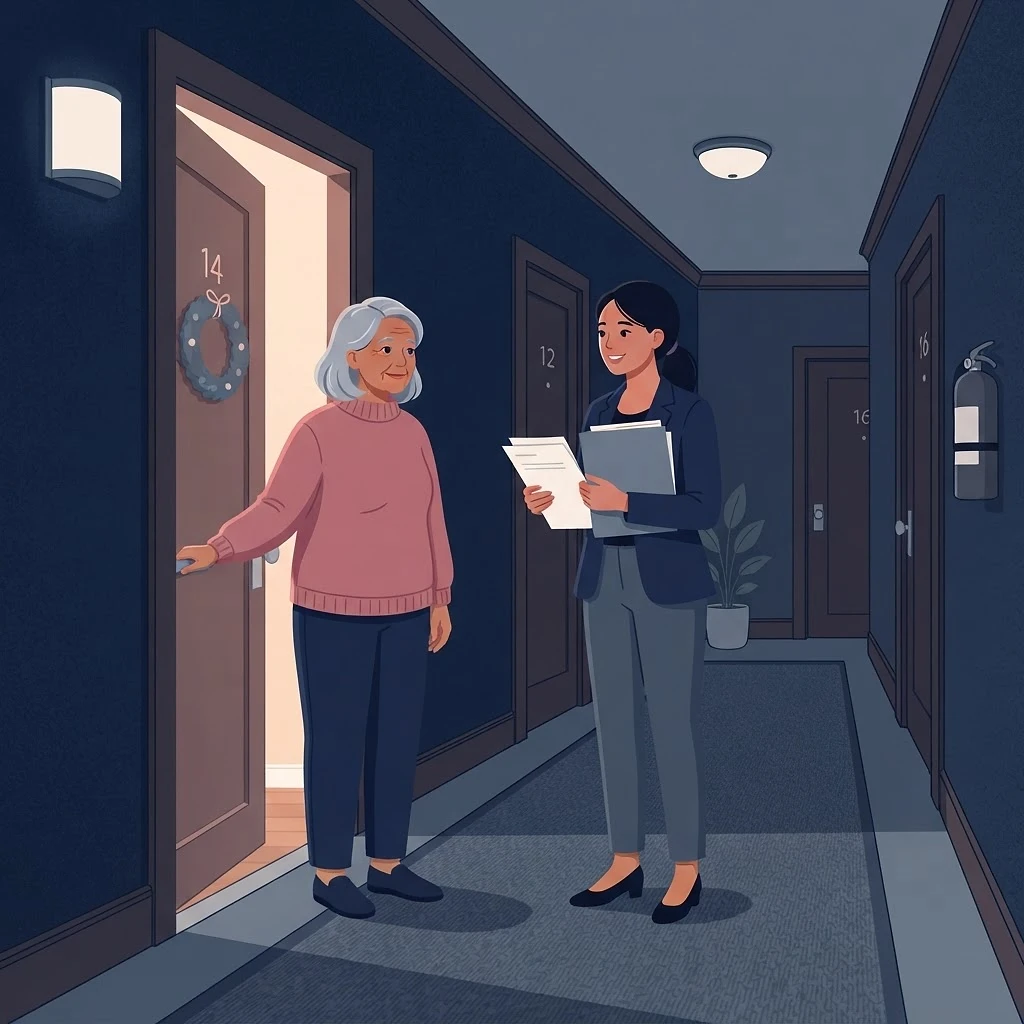

- A 0.65-mile proximity radius alerts eligible nearby responders and connects them with medical emergencies
- Alerts are determined by four factors: proximity, designated alert locations, user roles and permissions, and emergency-resource ownership
- Unlike systems focused mainly on cardiac arrest, it supports severe bleeding, overdose, drowning, anaphylaxis and heatstroke — while letting responders communicate with emergency services
The detail behind it
3 sectionsOpen any one to read it.Each walkthrough runs one incident from the first report to the report written afterwards, showing which part of the system engages at each moment and what the person on scene is actually looking at.
- The clock is illustrative and written to be readable, not a measured response time
- Each step names the screen a person would be working from
- The features engaged are listed on every case so they can be compared
- Which steps happen at all depends on what the community has enabled
Everything here describes the platform as built, subject to the configuration decisions of the community or agency using it.
Free for the people who need it, anywhere it runs.
It is not tied to one town or one county: a department, agency or community anywhere in the country or the world can run it. Residents are never charged. Departments pay for the parts they use, and donations let us put more resources into a community that could not otherwise afford them.
- · Defibrillators, naloxone and bleeding-control kits
- · Guides, voice instructions and training material
- · Mapping the equipment a community already has
Questions, corrections, or a resource we have missed — reach the team directly.